
XXXTENTACION cursor
0Free
XXXTENTACION cursor you can use as a custom cursor for mouse and pointer from our Rappers custom cursors collection for Chrome.
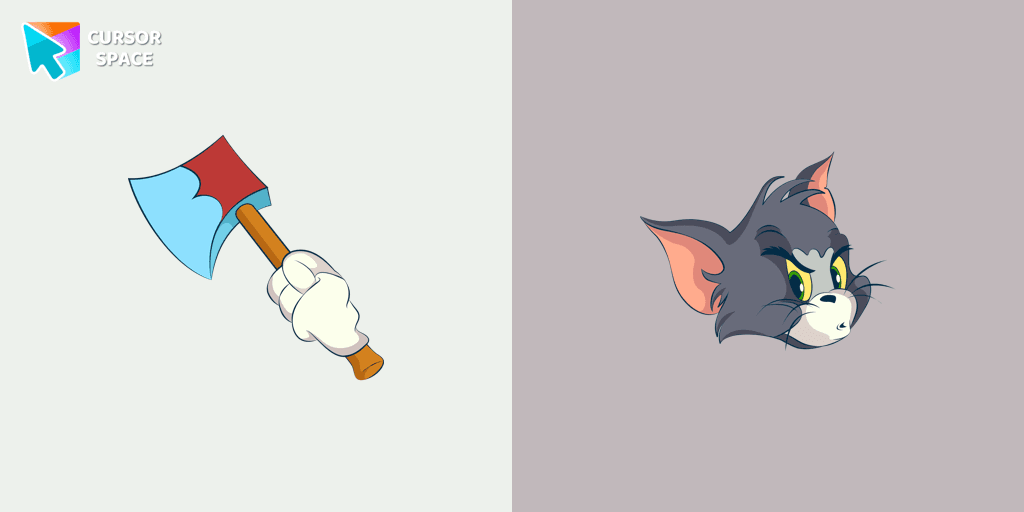
Tom, the famous blue and grey cat from the Tom & Jerry animated cartoon, is known for his intelligence and relentless pursuit of the mischievous mouse, Jerry. This beloved character has become a symbol of cleverness, frustration, and determination. If you’re a fan of this classic duo, then the custom cursor for Google Chrome featuring the angry Tom cat is perfect for you.
This custom cursor brings Tom's fierce personality to life on your screen. His memorable moments from the cartoon, including his frequent chases after Jerry and his love for milk, are captured in this fun and functional design. Whether you're navigating your browser or enjoying your favorite websites, this cursor will add a playful touch and a bit of nostalgia to your digital experience.
Not only does this custom cursor give you a cute reminder of Tom’s comical antics, but it also adds a unique flair to your browsing experience. Don't settle for the default arrow – let Tom’s angry yet lovable expression guide your way on Chrome.
Transform your mouse cursor with this fun and spirited Tom cat design. With its distinctive blue and grey colors and Tom's classic features, this cursor is a must-have for fans of the Tom & Jerry series. Add it to your Chrome today and bring a piece of animated history to your digital world!
Install the Cursor Space extension for Chrome or Cursor Space for Edge in your browser.
On this page, click "Add this cursor pack to the extension".
Open the extension and go to the Packs tab.
Find the custom cursor pack "Angry Tom cursor" and click it.
Enjoy!
Get this cursor pack and thousands of others by installing our extension. It's fast and free!
Angry Tom Cursor is a themed cursor pack you can add to your browser to personalize your pointer across common cursor states (default and pointer). Use it for everyday browsing, streaming, studying, or gaming-anywhere you want your cursor to match your vibe.
See how the cursors look before installing.
Add the pack to the extension in a few clicks.
Designed for Chrome and Edge via the extension.
Quick answers to common questions about cursor packs, collections, and installation.
Yes. To apply cursor packs in Chrome or Edge, install the Cursor Space extension and add this pack to it.
Cursor packs are designed for Chromium browsers like Chrome and Microsoft Edge.
Open the extension, choose another pack or disable the current one to return to your default cursor.
Custom cursor and packs - neon, anime, pixel art. Quickly add to Chrome and Microsoft Edge for free
XXXTENTACION cursor you can use as a custom cursor for mouse and pointer from our Rappers custom cursors collection for Chrome.

Enjoy a fun twist on browsing with the Little Pointer custom cursor for Google Chrome. This playful custom cursor shrinks your pointer, adding a touch of surprise and humor.

The well-designed Сhick cursor will change your default mouse pointer with a real darlingness from our Kawaii custom cursors collection for Chrome.
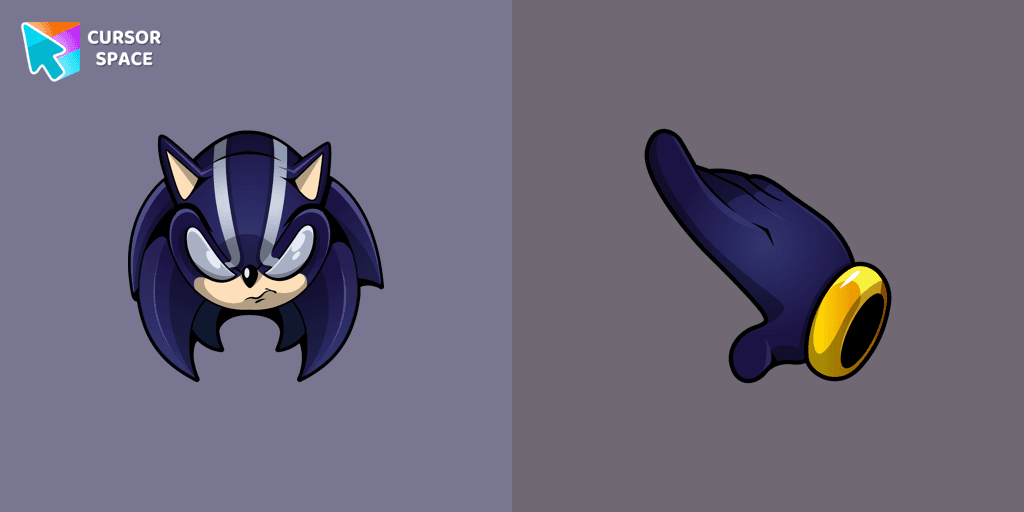
Feel the speed of a Darkspine as you navigate a web page, using it as a custom cursor and a pointing device.

Do you like a french breakfast with coffee and a croissant? Now you can change the default mouse pointer with a cute coffee and croissant custom cursor from the cutest custom cursors collection ever!
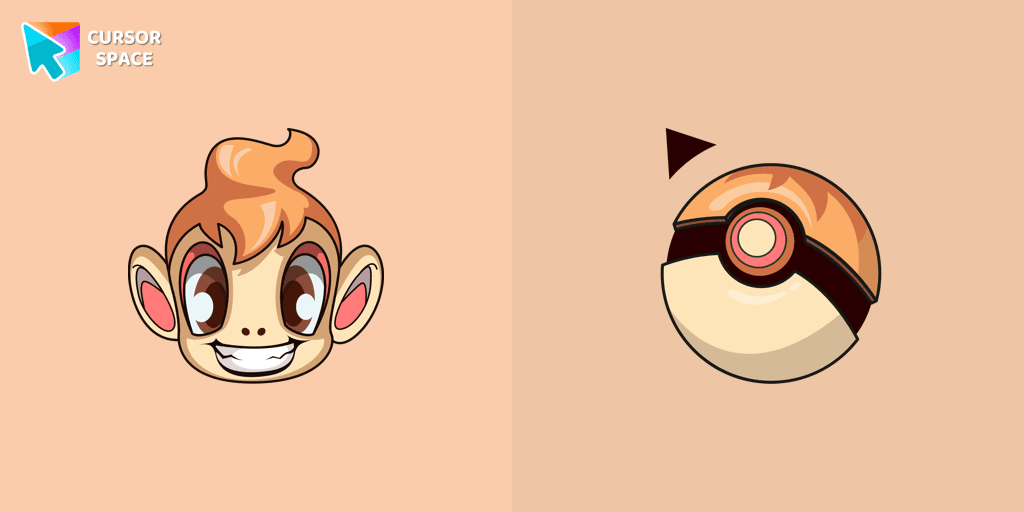
Chimchar cursor for mouse and custom hover pointer with Poké Ball in a Pokémon collection of custom cursors.
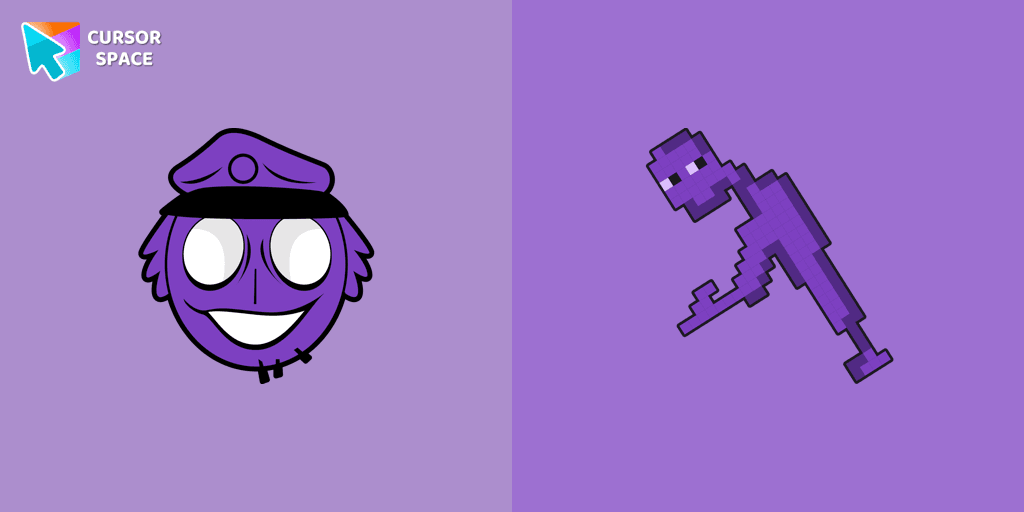
Authentic custom cursor with William Afton from our Five Nights at Freddy's custom cursors collection will allow you to change the mouse cursor.

Vanilla Ice Cream custom cursor for the mouse in a terrific cursors collection for Chrome. Fill up every day surfing the web with the bright and cute designed ice cream dessert cursors.

Explore "The Trendy Cursor" in our custom cursor collection. Enhance your default pointer with beautiful artwork for a chic, personalized browsing experience.

Enhance your Chrome browsing with Custom Cursor Space, a sleek purple cursor crafted to complement your style and elevate your online experience.

Add a fresh vibe to your screen with the Green Spades custom cursor for Chrome. Make your browsing stylish and unique!
Add a touch of sinister charm with the Devil custom cursor from our Cuphead collection. Upgrade your browsing with this unique custom cursor for Google Chrome.
Installation leaders from "Tom & Jerry Custom Cursors": free packs, neon/anime/pixel art, quick add to Chrome and Edge.

Discover joy with the happy Tom cat cursor for Chrome in our collection inspired by Tom and Jerry custom cursors for your mouse and pointers.

Spice up your cursor collection with the incredible Tom and Jerry custom cursors, and say goodbye to boring cursors forever.
The Tom and Jerry custom cursor collection for Chrome features a fun and animated cursor of Tom, the mischievous cat.
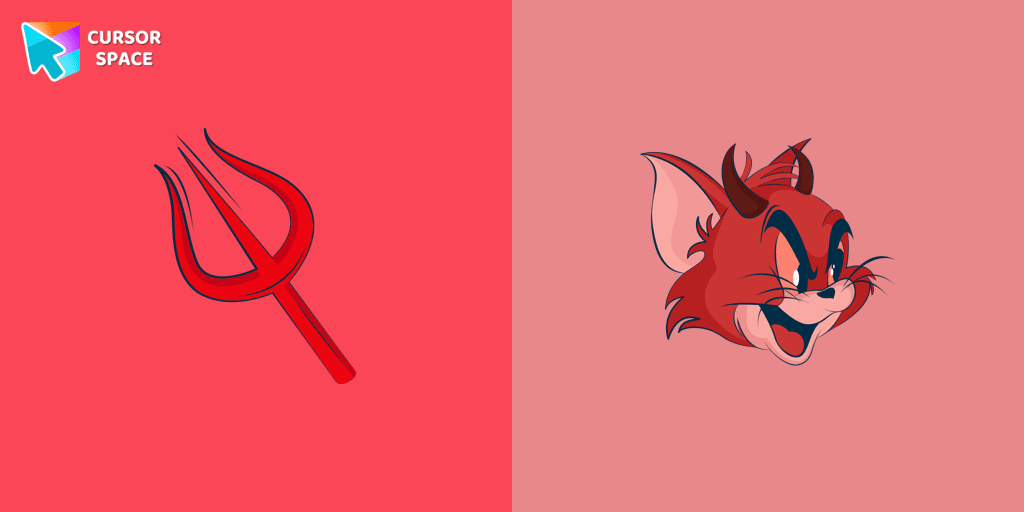
Meet the custom cursor with Tom from Tom & Jerry cartoon in a Tom and Jerry custom cursors collection for mouse and pointers.
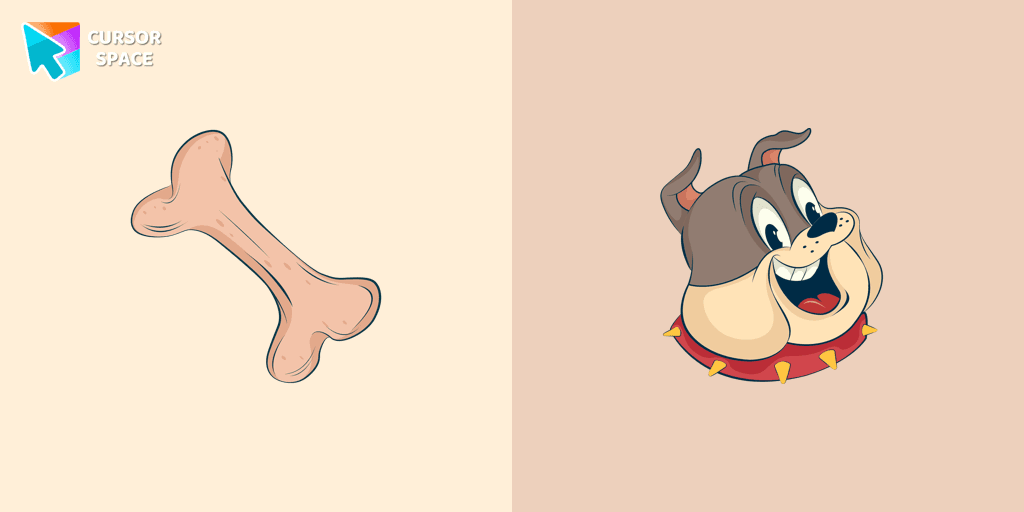
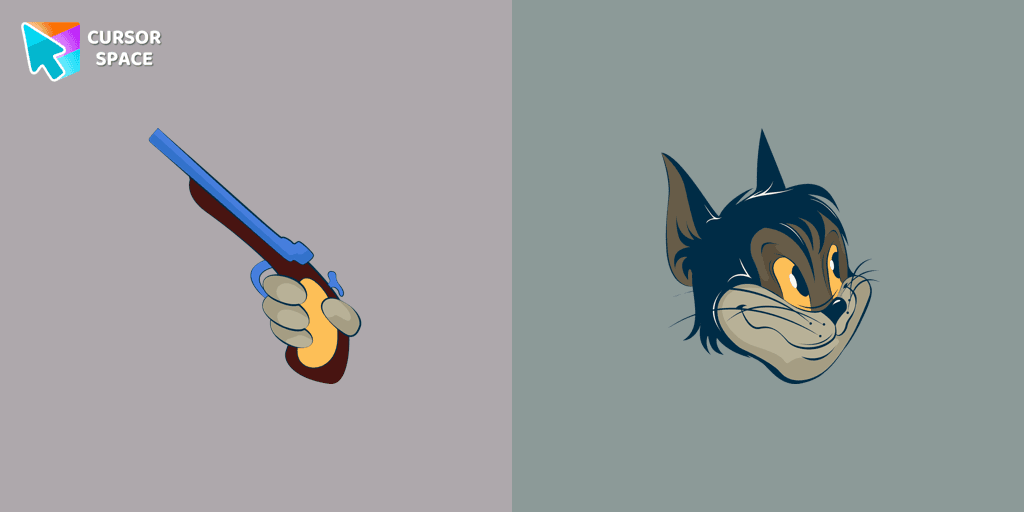
Add some humor to your mouse pointer with our funny Butch Cat custom cursor from the Tom & Jerry collection for Chrome.

Tom, the beloved cat from the animated comic cartoon Tom & Jerry, is a well-known character. Recognizable by his blue and grey fur, Tom spends his days chasing the mischievous house mouse, Jerry

Tom and Jerry is a popular American animated cartoon known for its comedic short stories featuring cats and mice.
Add packs instantly and unlock access to thousands of cursors: neon, anime, pixel-art, and more. Fast, safe, and free.
Cursor Space is an extension for changing your mouse cursor in Chrome and Edge browsers: themed collections, HiDPI icons, neon, animated, and pixel cursors, with quick installation.